Data loss is a serious concern for small and medium-sized businesses (SMBs). Studies show that 60% of SMBs that suffer major data loss shut down within six months, and 93% of businesses experiencing extended downtime file for bankruptcy within a year. Cyberattacks, hardware failures, and natural disasters can cripple operations, leading to financial losses and reputational damage.
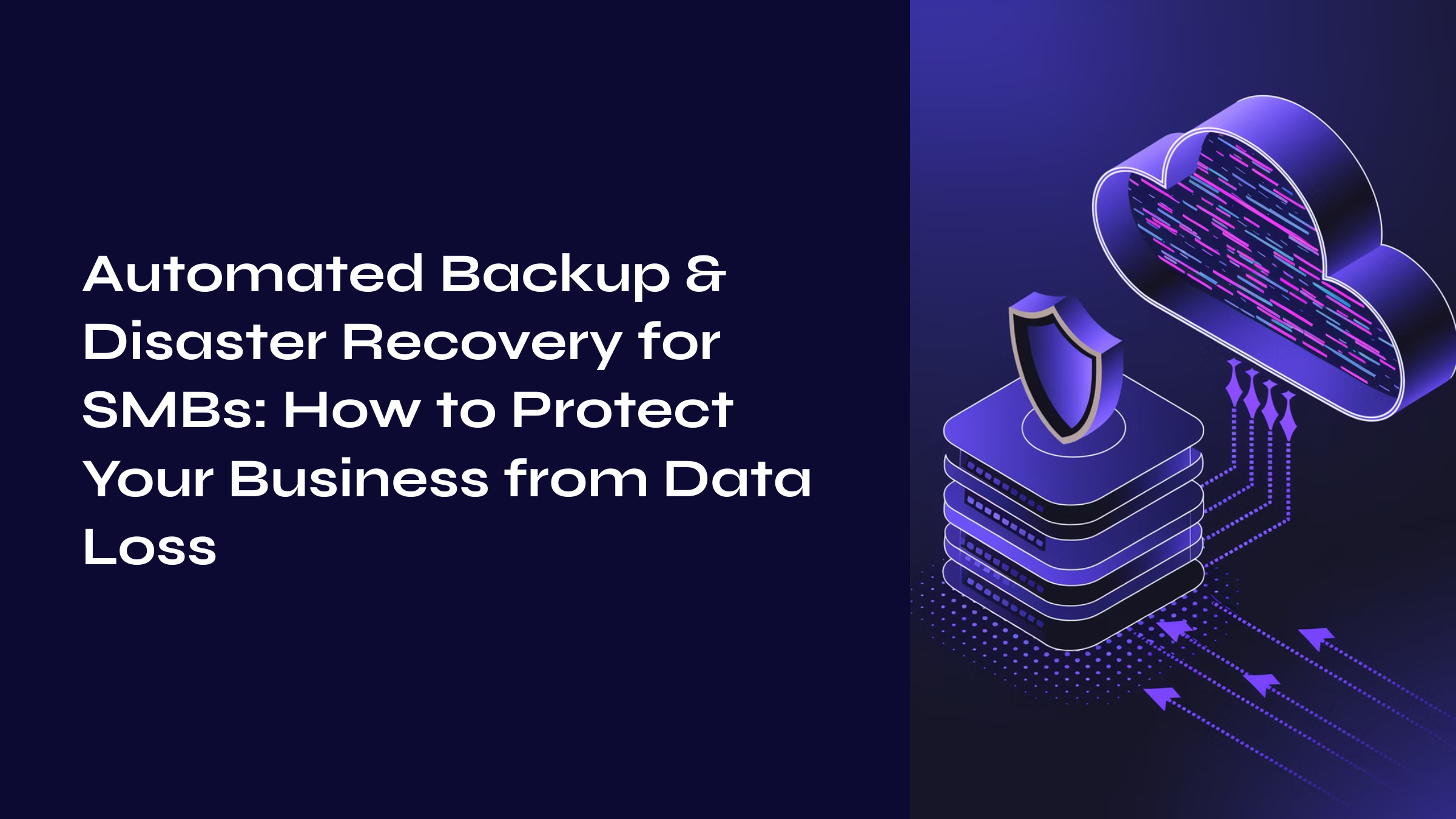
To mitigate these risks, SMBs are turning to automated backup and disaster recovery (BDR) solutions. These systems ensure that business-critical data is always protected and can be instantly restored in case of an incident.
Why SMBs Need Cloud-Based Backup & Disaster Recovery
SMBs often operate with limited IT resources, making them vulnerable to data loss. Common threats include:
- Cyber Threats – Ransomware attacks have surged by 37% in the past year, targeting businesses of all sizes.
- Data Loss & Human Error – 70% of all data loss incidents occur due to accidental deletions, system crashes, or misconfigurations.
- Downtime Costs – Unplanned downtime costs SMBs an average of $10,000 per hour, making fast disaster recovery essential.
- Regulatory Compliance – Many industries require secure data backup solutions to meet compliance standards such as GDPR, HIPAA, and PCI-DSS.
Automated backup and disaster recovery solutions protect against these risks by ensuring data is securely stored, encrypted, and easily recoverable.
How Automated Backup & Disaster Recovery Works
Automated backup and disaster recovery (BDR) is a cloud-based system that continuously backs up data, applications, and critical systems to ensure instant recovery. Unlike traditional backup methods, automated solutions offer:
- Real-time data replication for minimal downtime.
- End-to-end encryption to protect against cyber threats.
- Cloud-based storage with unlimited scalability.
- Automated failover and disaster recovery to ensure business continuity.
Traditional vs. Cloud-Based Backup Solutions
Feature | Traditional Backup | Cloud-Based Backup |
Storage Type | Physical drives (USB, tapes) | Cloud storage (AWS, Azure, Google Cloud) |
Backup Frequency | Manual backups | Automated real-time backups |
Security | Vulnerable to loss/damage | End-to-end encryption |
Disaster Recovery Time | Hours or days | Instant failover & recovery |
Scalability | Limited storage | On-demand scalability |
Cloud-based backup eliminates human errors, automates data protection, and ensures instant recovery—making it ideal for SMBs.
Key Benefits of Automated Backup & Disaster Recovery for SMBs
- Instant Recovery & Minimal Downtime – Reduces data recovery time from hours to minutes.
- Protection Against Cyber Threats – Ransomware-proof backups prevent malicious attacks.
- Regulatory Compliance – Meets security standards like GDPR, HIPAA, and PCI-DSS.
- Cost-Effective – Eliminates the need for expensive hardware and IT maintenance.
- Scalability – Businesses can expand storage as needed, paying only for what they use.
How to Implement an Automated Backup & Disaster Recovery Strategy
1. Assess Your Business-Critical Data
Identify mission-critical applications, customer data, and compliance-sensitive files that need continuous protection.
2. Choose a Trusted Cloud Backup Provider
Select a secure and reliable cloud backup solution like AWS Backup, Veeam, or Advansappz’s disaster recovery services.
3. Define Recovery Objectives (RTO & RPO)
- Recovery Time Objective (RTO) – Maximum acceptable downtime before systems must be restored.
- Recovery Point Objective (RPO) – Maximum amount of data loss your business can tolerate.
4. Automate Backups & Disaster Recovery
Implement automated, real-time backups with end-to-end encryption.
5. Regularly Test Disaster Recovery Plans
Perform quarterly disaster recovery drills to ensure backup integrity and rapid recovery.
How advansappz Can Help SMBs with Cloud-Based Backup & Disaster Recovery
At advansappz, we offer enterprise-grade backup and disaster recovery solutions tailored for SMBs. Our services include:
- Automated, Encrypted Backups – Ensuring your business-critical data is protected 24/7.
- Real-Time Disaster Recovery – Instant failover and failback solutions to keep operations running.
- Regulatory Compliance & Security – We meet industry standards like ISO, GDPR, and HIPAA.
- Scalable Cloud Solutions – Flexible cloud-based storage options that grow with your business.
- 24/7 Monitoring & Support – Ensuring proactive threat detection and instant recovery assistance.
Want to protect your business from data loss?
Contact us now for a consultation and learn how advansappz can secure your data and ensure seamless business operations.
FAQs: Automated Backup & Disaster Recovery for SMBs
- Why do SMBs need automated backup and disaster recovery?
SMBs often lack in-house IT teams, making automated backup critical for preventing data loss, minimizing downtime, and ensuring compliance with regulations like GDPR & HIPAA. - How does cloud-based backup differ from traditional backup methods?
Traditional backups require manual effort and physical storage, making them less reliable. Cloud-based backup automates the process, ensuring real-time backups, stronger security, and faster recovery. - Are automated backup and disaster recovery solutions cost-effective for SMBs?
Yes! Automated BDR solutions eliminate manual backup costs, reduce downtime expenses, and offer affordable cloud storage, making them a cost-efficient option. - What is the difference between Recovery Time Objective (RTO) and Recovery Point Objective (RPO)?
- RTO = Maximum downtime a business can tolerate before systems are restored.
- RPO = Maximum acceptable data loss measured in time (e.g., last 30 minutes, 1 hour).
- How can SMBs implement an effective automated backup strategy?
SMBs should assess critical data, select a trusted cloud provider, define RTO/RPO, automate backups, and test recovery procedures regularly.